
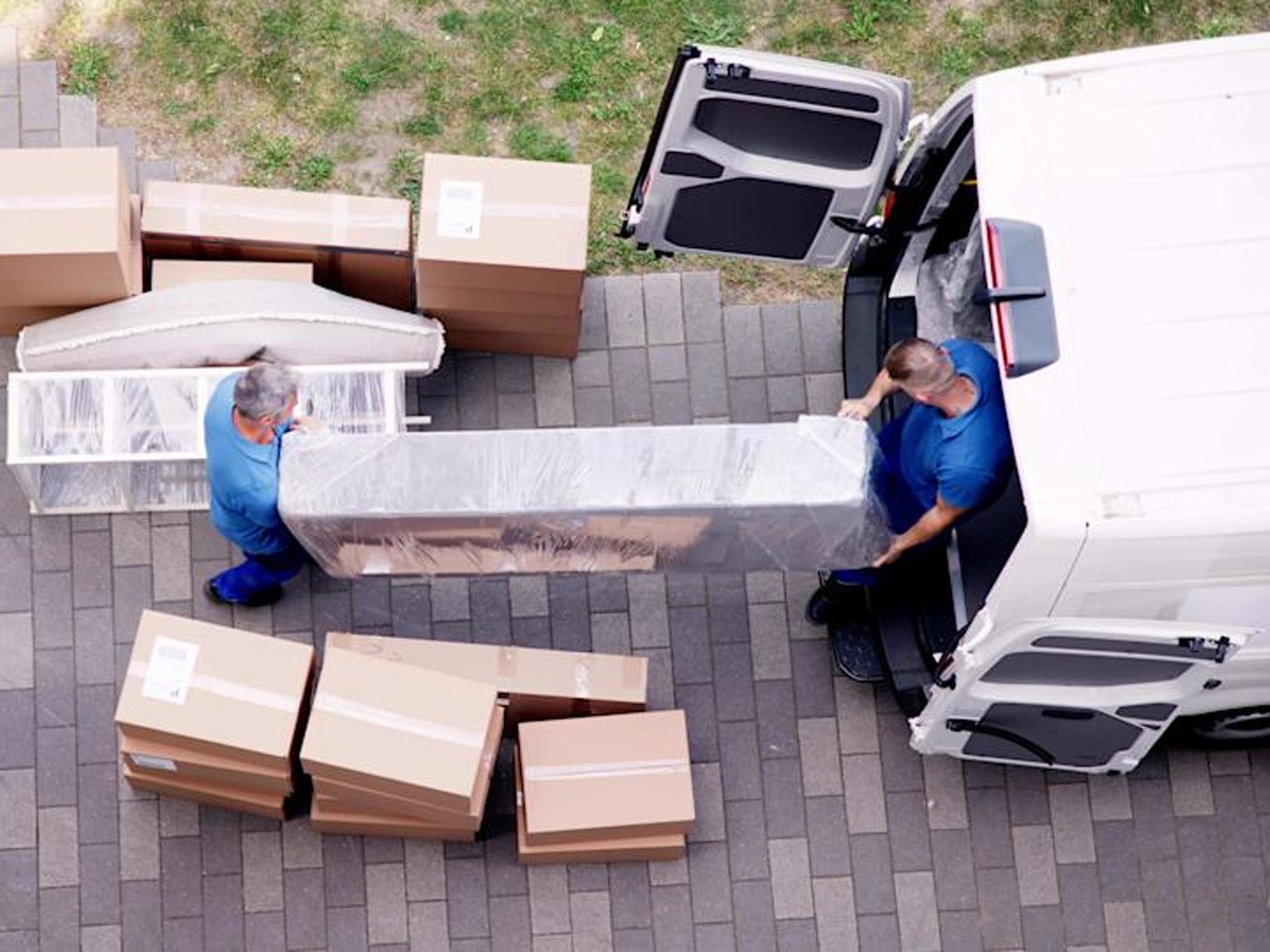
Working from home sounds easy until moving day hits. Desks feel heavier. Screens look fragile. Wires turn into a mess fast. If you rush it, you pay for it later with lost files, sore backs, and wasted hours. A smart move keeps your work life smooth from day one. That is why planning matters, especially when you rely on a solid office relocation checklist in Toronto to stay on track.
At No Problem Movers, we help remote workers move without the stress. With over 25 years of hands-on experience, our team knows how to protect your gear and your peace of mind.
Plan First or Pay Later
Before you touch a box, slow down and plan. A clear plan saves time and money. It also cuts downtime, which matters when deadlines wait for no one.
Start by listing every item you use daily. Then decide what moves with you and what stays behind.
Pre-move basics to lock in:
- Back up all files to the cloud or an external drive
- Take photos of cable setups
- Label cords and adapters
- Measure your new space
Also, check your internet options at the new place. Fast setup means faster return to work.
How to Pack Home Office Equipment Safely?
Office gear breaks when packed incorrectly. Screens crack. Chairs tear. Printers jam.
Here is how to move home office equipment the right way:
- Use original boxes when possible
- Wrap monitors with foam or thick blankets
- Pack keyboards flat, not on edge
- Remove ink from printers
- Keep screws and small parts in sealed bags
Label boxes as fragile and keep them upright. Simple moves prevent big losses.
What Goes Where During the Move?
Not all items need the same care. The table below breaks it down so nothing slips through the cracks.
| Item | Packing Tip | Priority Level |
| Laptop and tablet | Carry with you | High |
| Monitors | Box with padding | High |
| Desk and chair | Wrap corners | Medium |
| Router and modem | Label cables | High |
| Files and papers | Waterproof box | Medium |
This setup keeps your tools safe and easy to find after unloading.
Choose Movers Who Know Office Moves
Not every mover understands work gear. Office moves need care, timing, and trust. That is why many remote workers look for commercial movers in Oakville who handle office setups daily.
No Problem Movers treats home offices like real offices. We move with care, respect schedules, and protect your setup from door to desk.
Set Up Tips for Day One Success
Once you arrive, resist the urge to rush. A calm setup leads to better focus.
Your home office setup after moving should support comfort and flow.
Start with the desk and chair. Then place screens at eye level. Route cables along walls. Test the power and internet before logging in.
Quick setup wins:
- Place the desk near natural light
- Use a surge protector
- Keep cords off walk paths
- Adjust chair height early
Small changes help avoid pain and burnout later.
Keep Work Rolling With Less Downtime
Moving does not need to kill your work week. If planned well, you can log back in fast.
Pack a work-first box. Include laptop, charger, headset, notebook, and router. Keep it close during the move.
This approach helps you move home office equipment without chaos and keeps deadlines safe.
How No Problem Movers Makes It Easier?
With more than 25 years of real-world experience, No Problem Movers knows what remote workers need. We handle office gear with care and keep moves on schedule.
From planning to final placement, we support every step of your home office setup after moving so you can get back to work without stress.
Ready to Move Without the Headache?
Your home office deserves a smooth move. No Problem Movers brings experience, care, and clear planning to every job. Let us handle the heavy lifting so you can focus on work, not boxes. Call today and move smart, not stressed.
FAQs
1. How early should I plan my home office move?
Start planning at least two weeks ahead. This gives time for backups and packing.
2. Should I move my computer myself?
Yes. Carry laptops and drives with you when possible.
3. Do movers handle office furniture?
Yes. Skilled teams handle desks, chairs, and storage safely.
4. How do I avoid losing cables?
Label each cable and pack them in one box.
5. Can movers help with local office moves?
Yes. Teams that serve commercial movers in Oakville often handle home offices, too.